
Best NBA 2K27 Settings for Auto Defense on Cronus Zen
2026-05-24 · 4 min read · Defense
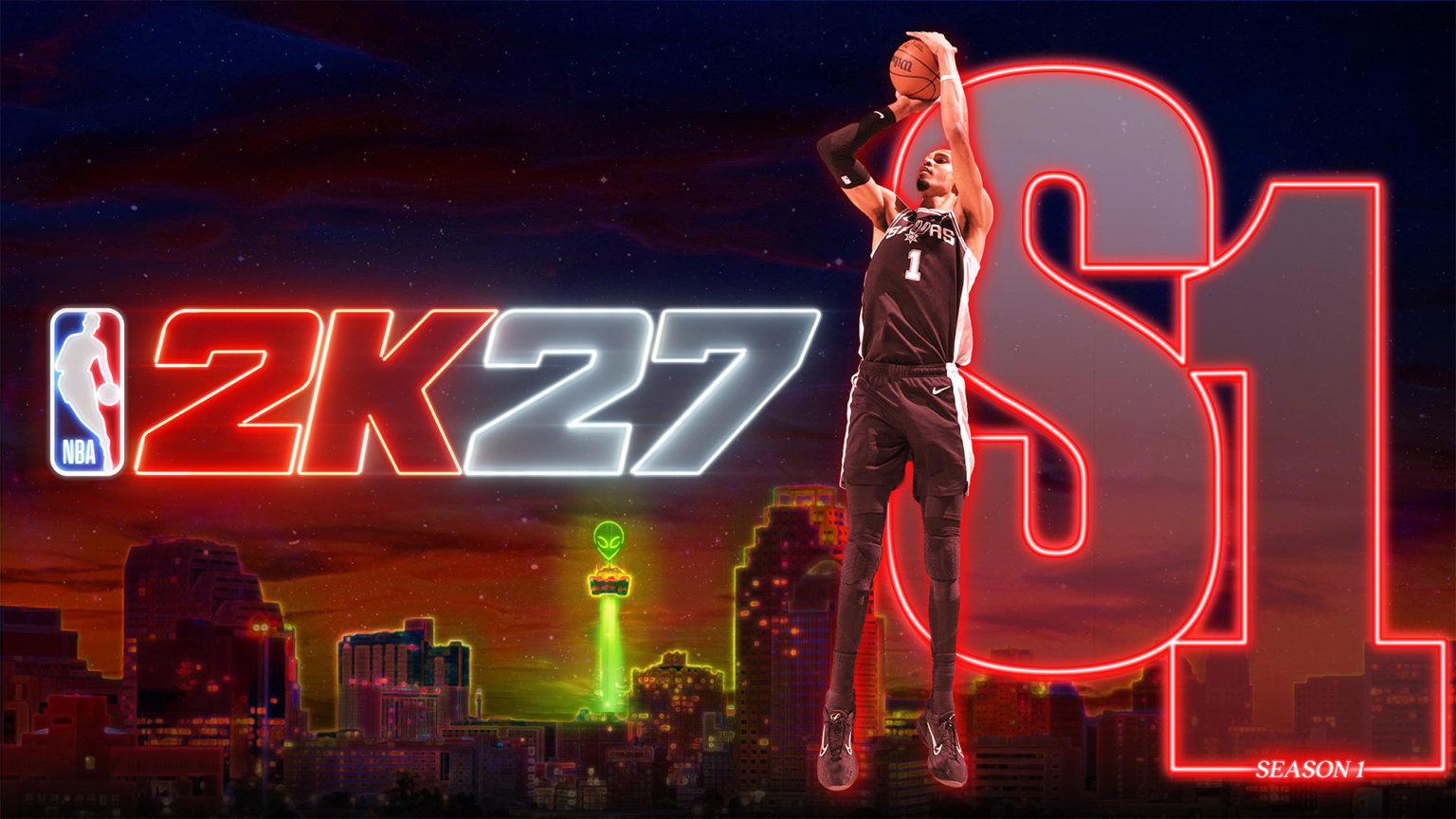
Most losses in Rec come from one defender getting blown by; contest timing is a pure input problem. This article covers auto defense for NBA 2K27 as a settings breakdown, written for players running the Jumper script on a Cronus Zen across PS5, Xbox Series X|S and PC.
Get Jumper — $55What Auto Defense actually does in NBA 2K27
Auto defense automates contest timing and lockdown slide movement so you stay attached to your assignment.
Most losses in Rec come from one defender getting blown by; contest timing is a pure input problem.
Read as a settings breakdown, the point is simple: NBA 2K27 is a timing game wearing a basketball jersey. Every shot, every dunk and every contest resolves to a window measured in frames. Auto Defense exists because that window is smaller than human reaction time can reliably hit, session after session, while you are also reading a defense.
How the Jumper script handles it
The script triggers the contest at the top of the shooter's gather and holds the intercept slide angle while you steer.
Jumper runs entirely at the controller input layer on a Cronus Zen. It does not read game memory, modify game files, or communicate with 2K servers. The console receives what looks like an ordinary licensed controller sending ordinary button presses, which is exactly what it is.
Settings do more damage than any other variable. These are the controller, display and network settings that hold timing steady.
Auto Defense: step by step
The order below is the one we walk every new customer through, and it is deliberately boring. Skipping a step is how a five-minute setup becomes a two-hour one.
- Install the current version of Zen Studio on your PC or Mac and update the Zen's firmware before anything else.
- Unzip the Jumper download and drag the .gpc file into an empty slot in Zen Studio.
- Press Program and wait for the compile confirmation in the output panel.
- Wire your controller into the Zen's input port and the Zen's output port into the console.
- Load into a practice session and test auto defense with shot feedback turned on before taking it online.
Settings that decide whether it feels good
Timing lives and dies on latency. A script tuned on a 120Hz display in game mode behaves differently on a 60Hz TV running cinematic picture processing, and the difference is bigger than any in-game setting you can change.
- Turn on game mode or low-latency mode on your display — picture processing can add 40-60ms on its own.
- Use a wired ethernet connection for anything played online.
- Output at 120Hz where your console and display support it.
- Keep the shot meter off once you trust the timing; NBA 2K27 pays an accuracy bonus for it.
- Lock your jumpshot and blending percentage for the whole session.
Getting the most out of it in real games
Automation only converts possessions you actually create. Auto Defense raises your ceiling on the shots you take; it does not choose the shots. The players who see the biggest jump are the ones who pair it with better shot selection immediately.
- Play the drive, let the script handle the contest raise.
- Turn off auto-switch so you stay on your own man.
- Pairs well with a build carrying high perimeter defense and agility.
Common mistakes and how to fix them
Every support message we receive falls into one of four buckets: stale firmware, wrong port order, a display adding latency, or a jumpshot that was changed mid-session. Check those four before anything else.
If the script loads but timing feels late, your display is almost always the culprit. If the script does not load at all, the download was not unzipped or the slot was full. If input drops entirely, re-flash firmware and reseat the cables.
For auto defense specifically, retest after every NBA 2K27 patch. 2K retunes animation lengths regularly, and a script tuned to last month's animation timing will feel a frame off until it is updated. Updates are included for the lifetime of your license.
Is it worth it?
Jumper is $55 with lifetime updates, and auto defense is one of eighteen-plus modules included in that single script. Compared to buying VC to paper over a build that cannot shoot, or grinding another two hundred games to build timing muscle memory that a patch can erase, the math is not close.
You still need a Cronus Zen device, sold separately, and you still need to play good basketball. What you stop needing is perfect hands on every single possession.
Frequently asked questions
Does auto defense work on PS5, Xbox and PC?
Yes. Jumper runs on PlayStation 5, Xbox Series X|S and PC with any controller your Cronus Zen supports. Setup differs slightly per platform — Xbox needs an authentication controller, PS5 prefers a wired pad, and PC benefits from a locked frame rate.
Will a Cronus Zen get my account banned?
The Zen presents itself to the console as a standard controller, so the game receives ordinary controller input rather than third-party software. It does not read or modify game memory. That said, controller adapters may be restricted by platform terms, game terms and tournament rules, and you assume that risk.
Do I need to re-download the script after a 2K27 patch?
When 2K changes animation timing we retune and republish the script, and updates are free for the lifetime of your license. Reprogram the new file into your Zen slot and you are current again.
How long does auto defense take to set up?
Under ten minutes for a first-time Zen owner including the firmware update, and about two minutes for anyone who has programmed a slot before.
Ready to run Jumper?
One script, 18+ modules, lifetime updates. PS5, Xbox Series X|S and PC with a Cronus Zen.
Get Instant AccessKeep reading
- NBA 2K27 Clutch Mode FAQ: Every Question Answered
- Clutch Mode vs Manual Timing in NBA 2K27: Which Wins?
- Clutch Mode Not Working in NBA 2K27? Fix It in Five Minutes
- Clutch Mode on PC: Running the NBA 2K27 Zen Script
- Clutch Mode on Xbox Series X|S: NBA 2K27 Zen Script Setup
- Clutch Mode on PS5: NBA 2K27 Cronus Zen Script Setup